Anthropic Claude
Integrations
Protect your Google Workspace environments from exposure, leakage, and misconfiguration.


The Challenge
Google Cloud Storage is a popular service for storing and managing large amounts of data, offering scalability and accessibility for businesses. Although it has built in security “by default and by design”, the risk of exposed or stolen credentials cannot be overlooked.
Solution
Concentric AI detects risks such as oversharing, unauthorized access attempts and misconfigurations in sharing permissions, alerting security teams to take real-time action and protect unstructured data like documents, messages, and files.
Securing unstructured data
Communication platforms contain vast amounts of unstructured data such as messages, documents, and files. Concentric AI helps classify and protect all that data by fixing misconfigurations, managing permissions, and ensuring sensitive information is properly protected against unauthorized access and leakage.
Data exfiltration prevention
Communication platforms are susceptible to data leakage through external sharing or unauthorized access. Concentric AI monitors for data exfiltration attempts, and autonomously remediates risk to ensure that sensitive business data remains secure.
Google Workspace makes it easy for employees to create, store, and share information, but that collaboration can also create data security risks. Common risks include oversharing sensitive files, excessive access permissions, external sharing, compromised accounts, misconfigured security settings, and limited visibility into sensitive unstructured data stored across Google Drive, Docs, Sheets, and Slides.
The challenge is understanding not just who can access a file, but what sensitive information it contains, whether that access is appropriate, and how broadly it has been shared. Permissions can accumulate over time, while sensitive files may be shared with external users or remain accessible long after their business need has changed.
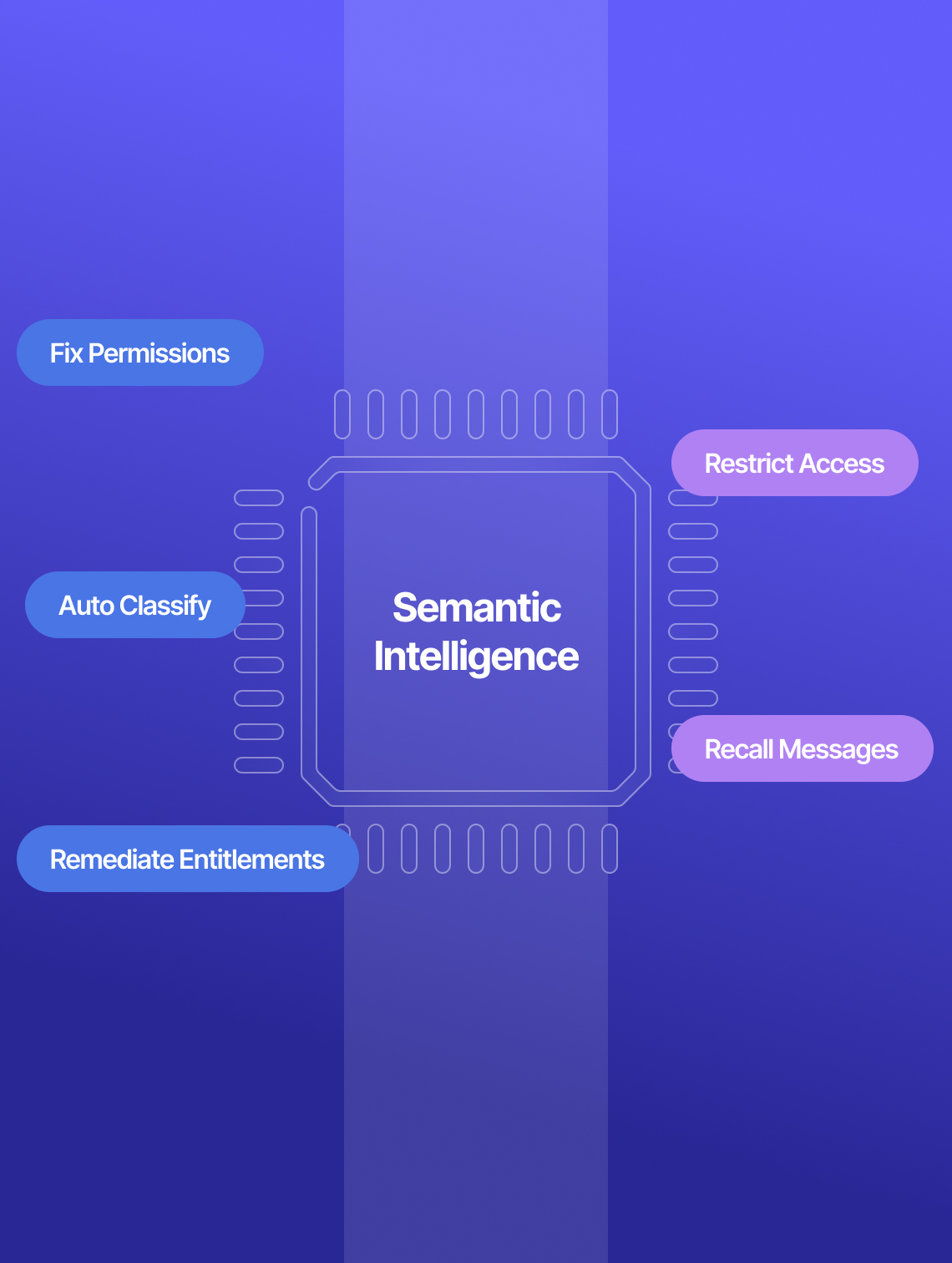
Concentric AI continuously discovers and understands sensitive data across Google Workspace, analyzes access and exposure risks, and identifies inappropriate sharing and excessive permissions. This gives security teams the context they need to prioritize risks and remediate sensitive data exposure across Google Drive and the broader enterprise.
Google Workspace includes strong built-in security capabilities, including identity and access controls, encryption, security policies, auditing, and controls for sharing and collaboration. However, no cloud platform is completely secure by default. Organizations still need to configure security settings appropriately, manage permissions, monitor sharing, and continuously assess how sensitive data is being accessed and exposed.
This is particularly important in Google Drive, where collaboration makes it easy for users to share files internally and externally. A file can be appropriately secured at the platform level while still being unnecessarily accessible because of broad permissions or sharing settings.
Concentric AI complements Google Workspace security by providing continuous visibility into what sensitive data exists, who can access it, how it is being shared, and where exposure creates risk. By connecting data sensitivity with access and sharing context, Concentric AI helps organizations identify and remediate excessive permissions and inappropriate data exposure.
To prevent sensitive files from being overshared in Google Drive, organizations should identify sensitive data, monitor who has access to it, review internal and external sharing, and remove unnecessary permissions. Security teams should pay particular attention to files accessible through broad groups, external users, shared drives, or links that allow access beyond the intended audience.
The challenge is that Google Drive permissions alone don't tell you whether access is appropriate. A document containing sensitive financial, customer, employee, or intellectual property information may be shared with dozens of users without anyone realizing that the exposure creates unnecessary risk.
Concentric AI helps prevent sensitive data oversharing in Google Drive by continuously discovering and understanding sensitive information and analyzing it alongside permissions and sharing relationships. Security teams can identify excessive access, inappropriate external sharing, and other exposure risks, then prioritize or automate remediation.
This data-centric approach helps organizations enforce least-privilege access while preserving the collaboration and productivity benefits of Google Workspace.
Yes. AI can help protect unstructured data in Google Workspace by understanding the meaning and context of information in documents, spreadsheets, presentations, and other files—not just looking for predefined keywords or patterns. This is important because sensitive information is often embedded in unstructured content and may not be consistently labeled or classified.
Concentric AI uses patented language models to understand the context of unstructured data across Google Drive, Docs, Sheets, Slides, and other enterprise data sources. It can identify sensitive information, determine its business context, analyze who has access to it, and surface risks such as excessive permissions or inappropriate sharing.
By combining AI-powered data understanding with access and exposure analysis, Concentric AI helps organizations protect sensitive unstructured data in Google Workspace at scale—without requiring security teams to manually inspect individual files.
The compliance requirements that apply to data stored in Google Workspace depend on your industry, location, and the types of information your organization collects and processes. Common regulations and frameworks include GDPR, HIPAA, PCI DSS, CCPA/CPRA, SOC 2, and NIST, along with industry-specific and regional data protection requirements.
Google Workspace provides security, access controls, data protection, auditing, retention, and other capabilities that can help organizations meet compliance requirements. However, compliance requires more than configuring platform controls. Organizations also need to understand what sensitive data is stored in Google Workspace, where it resides, who can access it, how it is shared, and whether it is appropriately protected.
Concentric AI complements Google Workspace security and governance by continuously discovering and understanding sensitive data, analyzing access and exposure risks, and identifying potential compliance gaps. This helps security and compliance teams maintain appropriate controls, reduce unnecessary data exposure, and improve visibility into sensitive information across Google Workspace and the broader enterprise.